All templates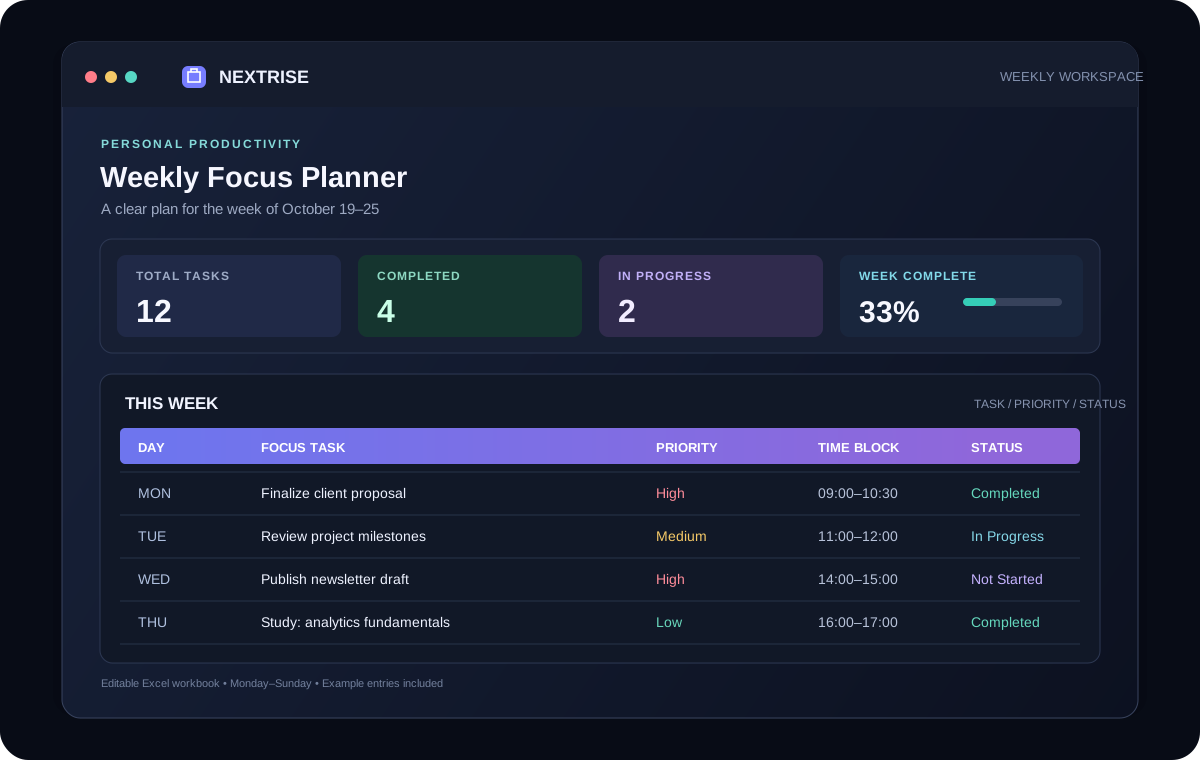
PERSONAL PRODUCTIVITY
Weekly Focus Planner
Turn a busy week into a clear plan with daily task tracking, priorities, and an at-a-glance progress dashboard.
Free Excel TemplateWhat is inside
A practical setup, ready to make your own.
- See your total, completed, and pending tasks without manual counting.
- Plan multiple tasks for every day from Monday through Sunday.
- Use filters and visual status cues to focus on the next important action.
Workbook sheets: Weekly Overview · Task Planner · Instructions
Made for
Useful for people who need a clearer workflow.
- Professionals
- Students
- Freelancers
- Small-business owners
Getting started
How to use this template
- Open the Task Planner sheet and replace the example task rows with your own.
- Choose a day, priority, and status from the dropdowns; add dates and time blocks.
- Review the Weekly Overview dashboard as completion and daily totals update automatically.
- Edit the blue option lists on Instructions if you want different dropdown choices.